1
Open your welcome email
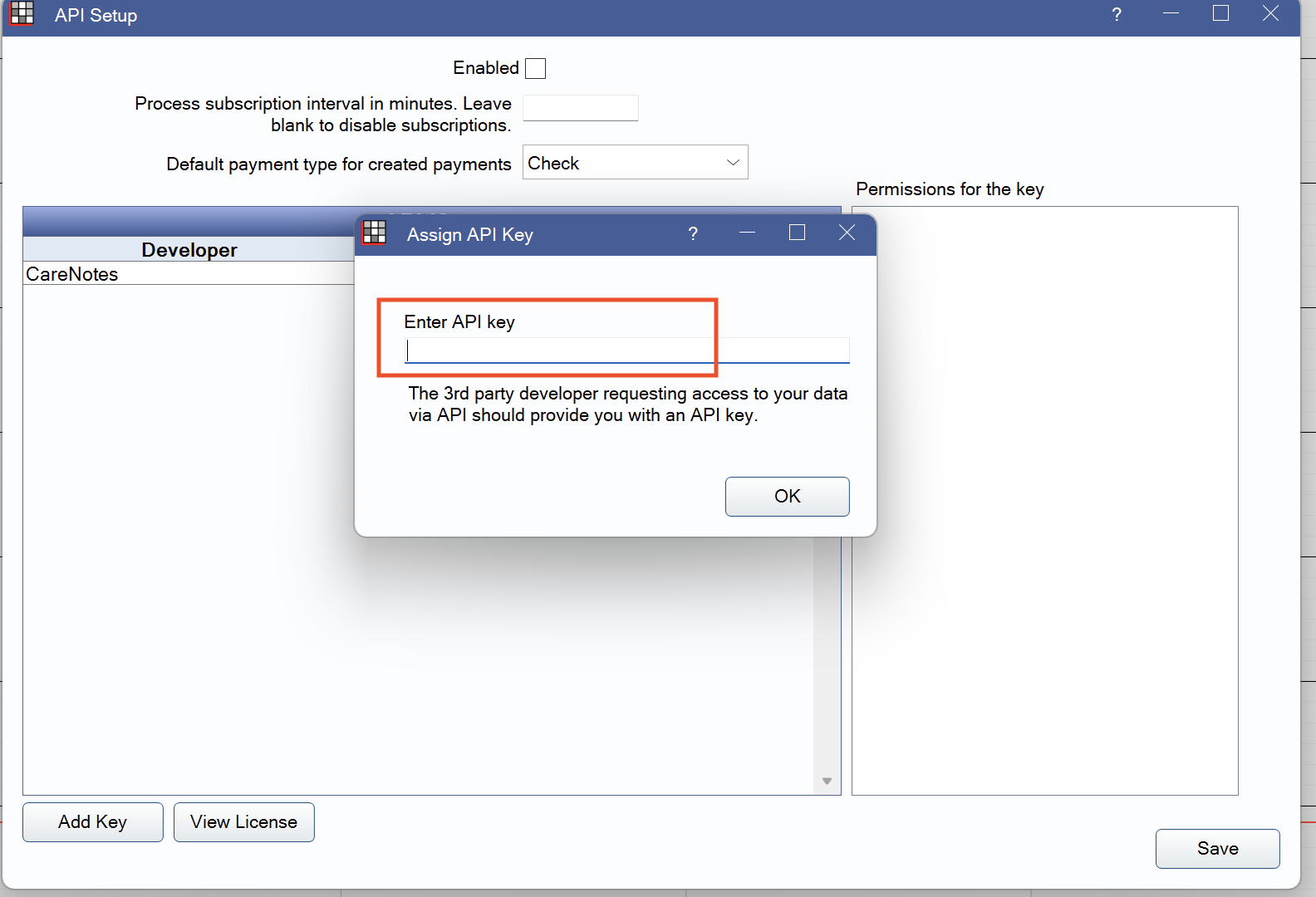
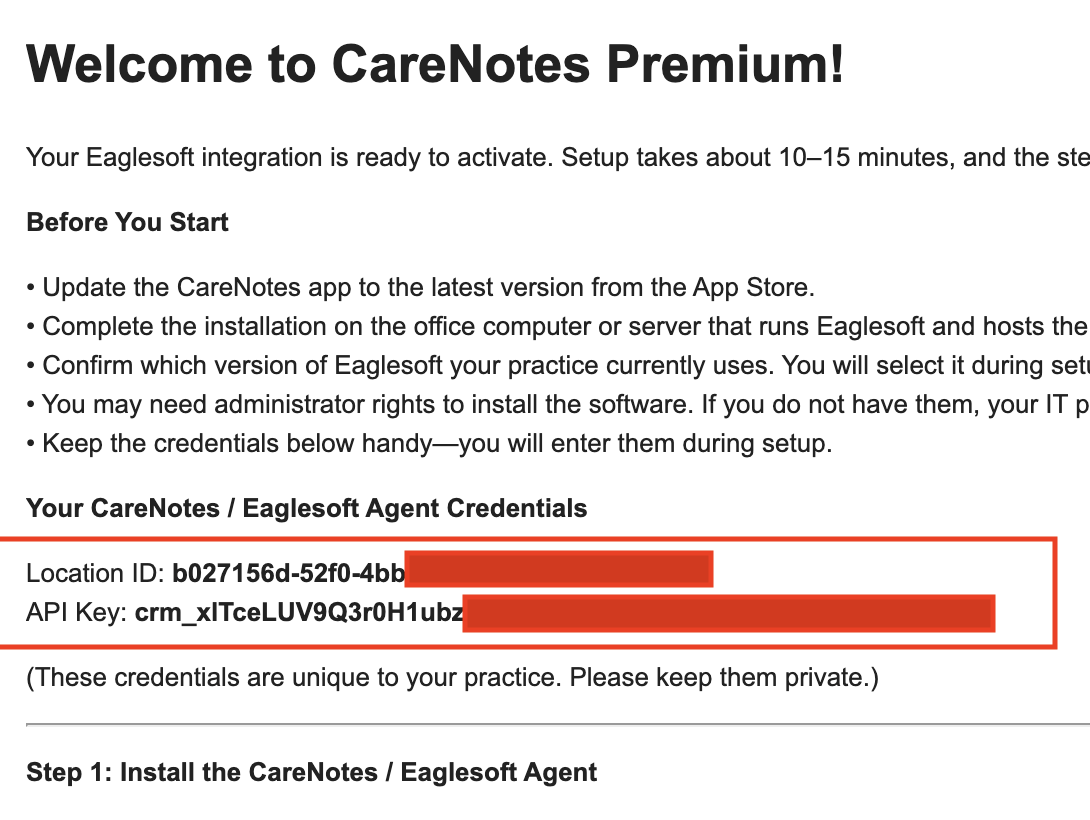
Find the “Welcome to CareNotes Premium” email we sent after your key was generated. It contains your API code. Keep this email open; you will paste this code into Open Dental in Step 4. This email arrives only after you request the Premium key in the app.
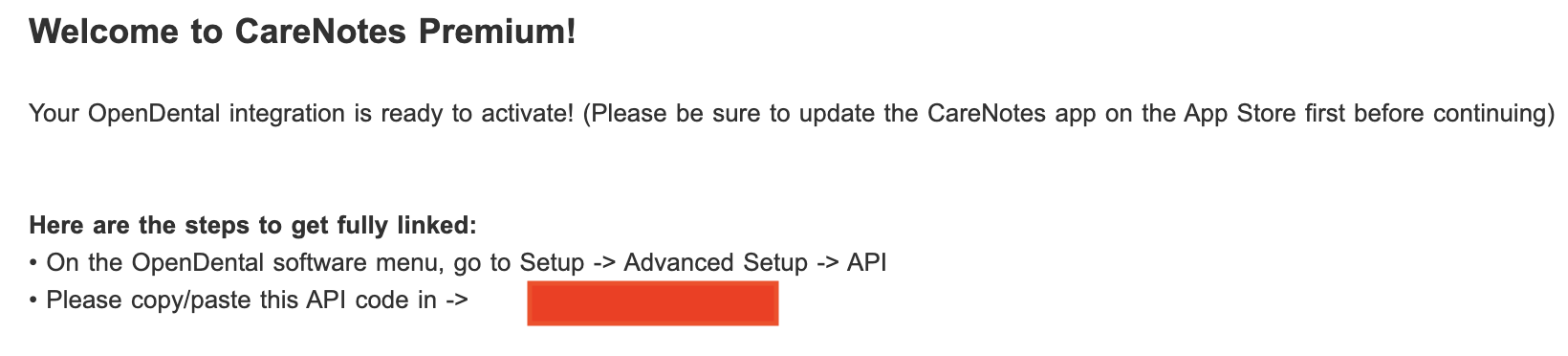
Can’t find the email? It is sent after you tap Request CareNotes Premium Key and we generate the key. If you have not done that yet, request the key first. Otherwise check spam, or contact us and we will resend your API code.